Database services
Create, deploy and remove PostgreSQL + TimescaleDB database services on enrolled servers, and read the health and the pages of a service.
A database service is PostgreSQL with TimescaleDB, PgBouncer and monitoring on enrolled servers.
Create a service
Go to Database services and select Create new database service.
Database service type
Select Standard (one server; maintenance stops the service) or High-Availability (automatic failover). For High-Availability, also select the topology, an optional virtual IP, and the servers. See High availability.
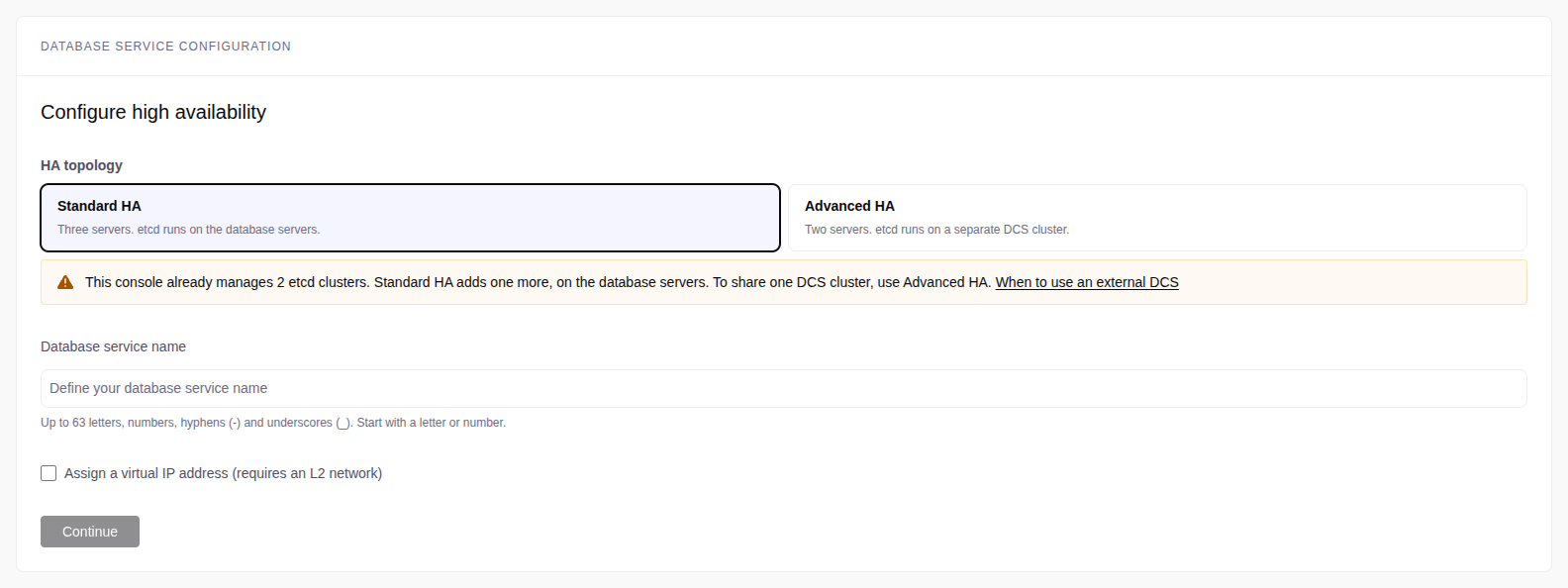
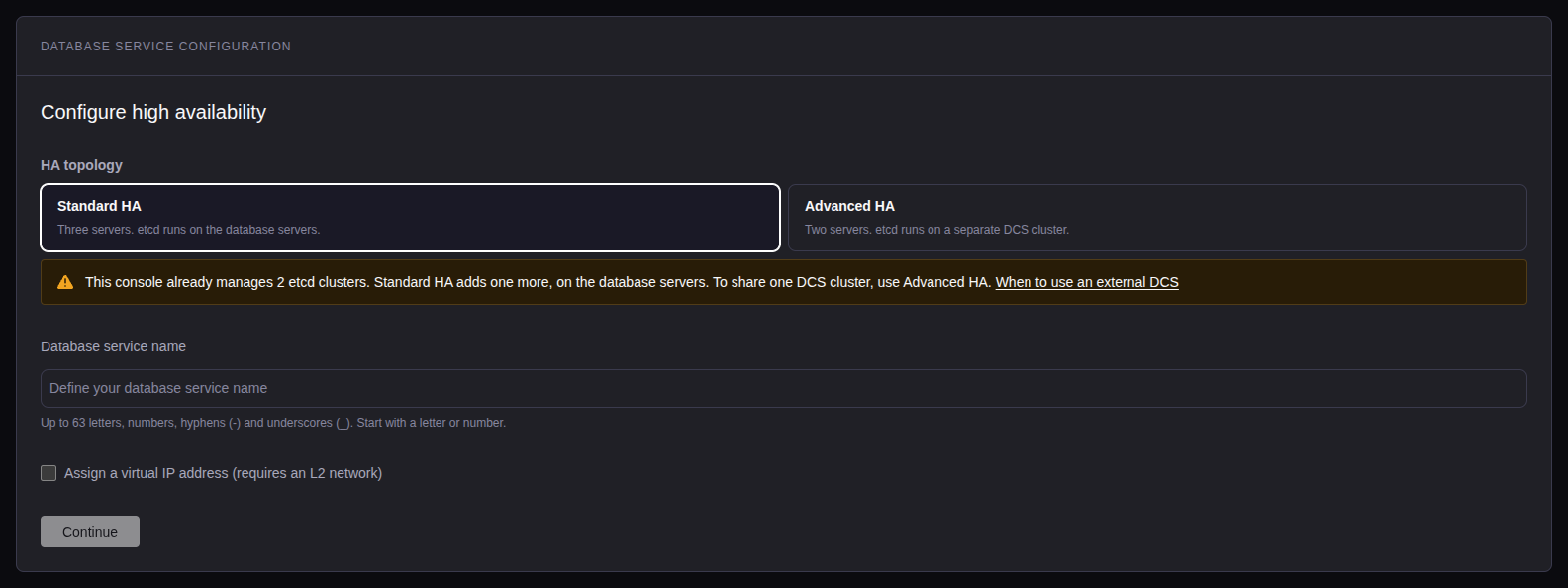
Database service configuration
Enter the Database service name: at most 63 letters, digits, - and
_, starting with a letter or a digit. For Standard, select the server.
Credentials and versions
- Postgres database name: default
tsdb. - Admin user: always
postgres. - Admin password: 15 to 128 ASCII characters, without
{or}. Generate strong password makes one. - PostgreSQL: the exact version, for example
18.6. The default is the newest. - TimescaleDB: the default is the newest.
The versions come from the server packages of the selected servers. The step shows only the versions that every selected server has. All PostgreSQL servers of a service must run the same OS version and architecture.
The step blocks while:
- it shows Reading the OS of a server. Wait.
- a server has no loaded server packages. Download them from the step (on an airgapped console, run the installer command it shows). If a download fails, click Retry.
- the box Download the
<tag>server packages for is selected. This box shows when the console has newer server packages for the servers. Click Download (operator or admin), or clear the box to use the loaded server packages.
Each later deploy, rebuild and replaced server installs the same versions from the same server packages.
Extensions: timescaledb and timescaledb_toolkit are always on.
Click Add extensions for more. See
Extensions.
Advanced
Remote backup server is on by default. Select a backup server, or turn it off. A High-Availability service without a backup server has no backups. See Schedules and retention.
Storage locations:
- Data directory: default
/var/lib. - Backup directory (Standard only): default
/var/lib/pgbackrest. - Backup directory (backup server): default
/var/lib/pgbackrest-remote.
Each field offers Default, the data mounts of the server with their free space, or Custom path. On High-Availability, the data directory offers only the mounts that every database server has.
Review & Deploy
The console selects a license. If more than one fits, select one. If none fits, you cannot deploy, and the review shows why.
Run checks probes each server: CPU, memory, disk, OS, /usr/bin/python3,
sudo, free ports, leftover PostgreSQL data, and time sync. Warnings do not
block the deploy.
Select Deploy. The status changes to Deploying.
A fork or a recover installs the versions of its source. If the server packages do not have them, the console refuses and names the versions to load.
Service health
The Database services list shows the status and the health of each service. The status is the result of the last operation. The console checks the health of each running service every minute.
When a change waits for a deploy or a restart, a chip beside the status says so: Deploy to apply license, Restart to apply license or Restart pending. Select the chip to open the service overview.
| Health | Meaning |
|---|---|
| Healthy | All components are healthy. |
| Warning or Error | A component needs attention. Hover over it to see which. |
| Error after 15 minutes | The console could not check the running service for 15 minutes. |
| Unknown | A check of a component did not run. |
| No reading | No check yet, or the service is not running. |
A line under the health shows a backup problem of a running service: Backups need attention, or Not protected (no backup repository has data).
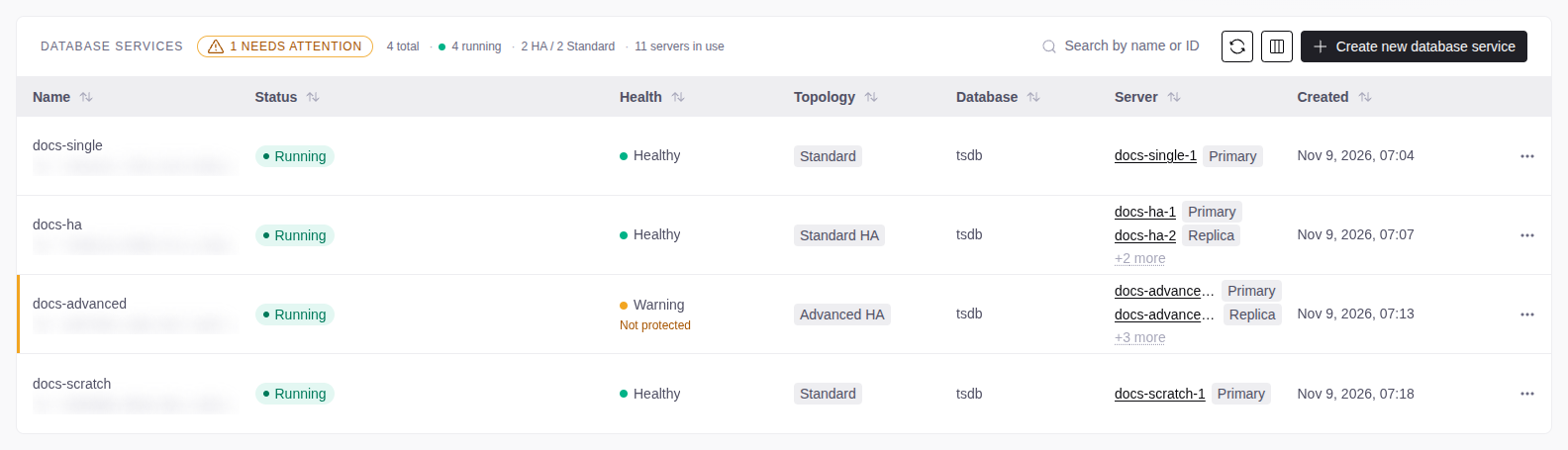
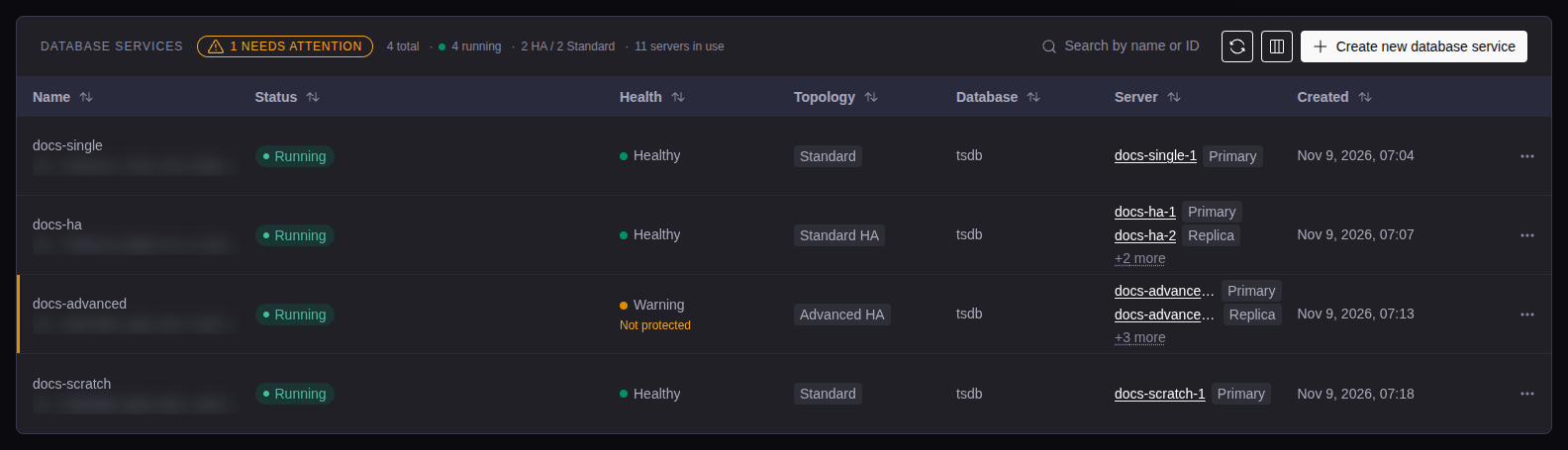
On the Overview tab, hover over the health badge to see when it started. Select Run health check to check again.
Service pages
| Tab | Contents |
|---|---|
| Overview | Health, topology, connection details and node actions. |
| Monitoring | Metrics panels. |
| Backups | Backups, schedules, and restore. |
| Configuration | See The Configuration tab. |
| Updates | Check and upgrade service versions. |
| SQL | SQL browser. |
| Operations | Operation history, steps, logs and inventory. |
| Logs & Diagnostics | Logs and diagnostics. |
| Database service admin | Maintenance actions, service management, database users and console access. |
The Configuration tab
| Section | Contents |
|---|---|
| Extensions | Extensions. |
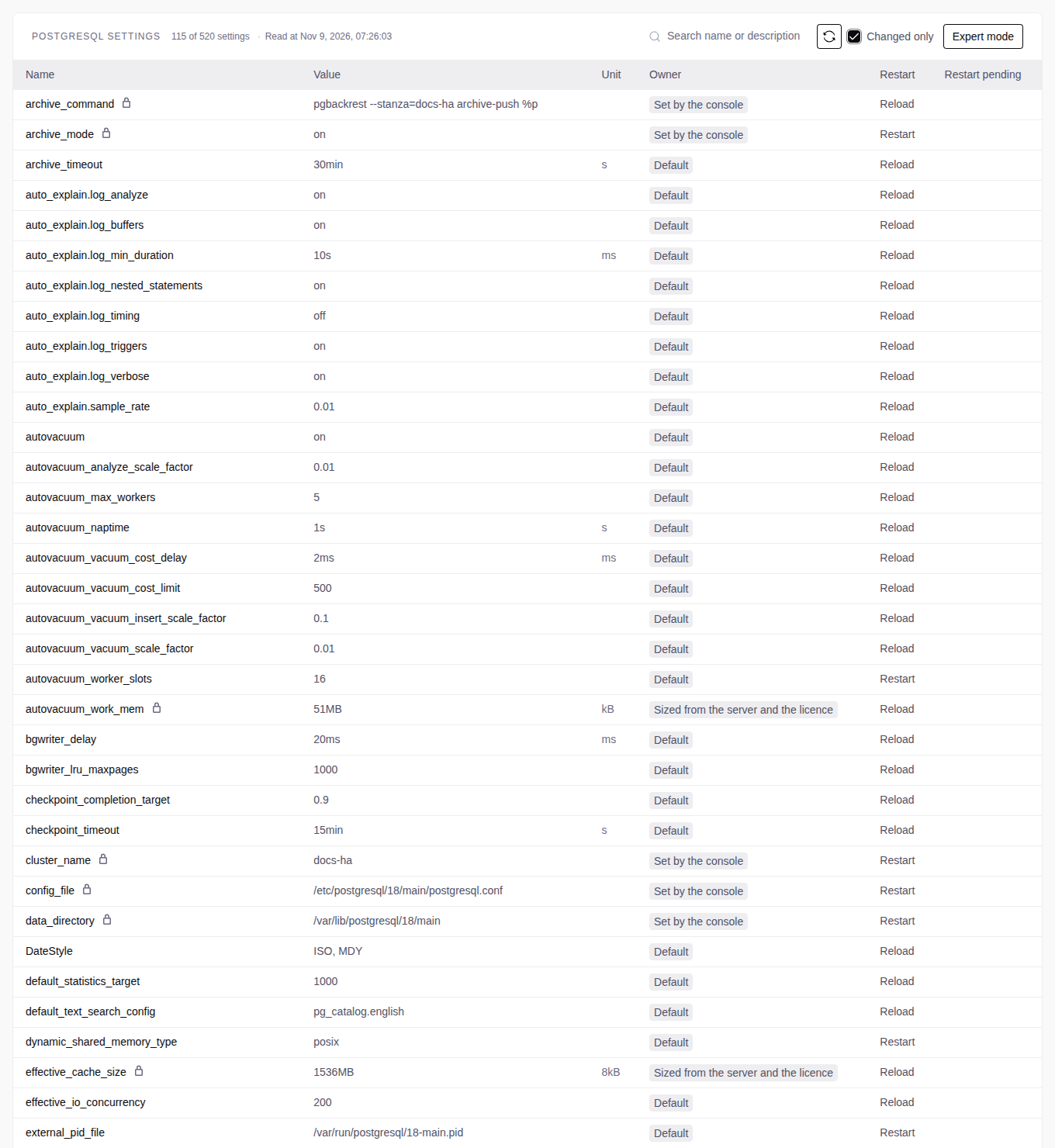
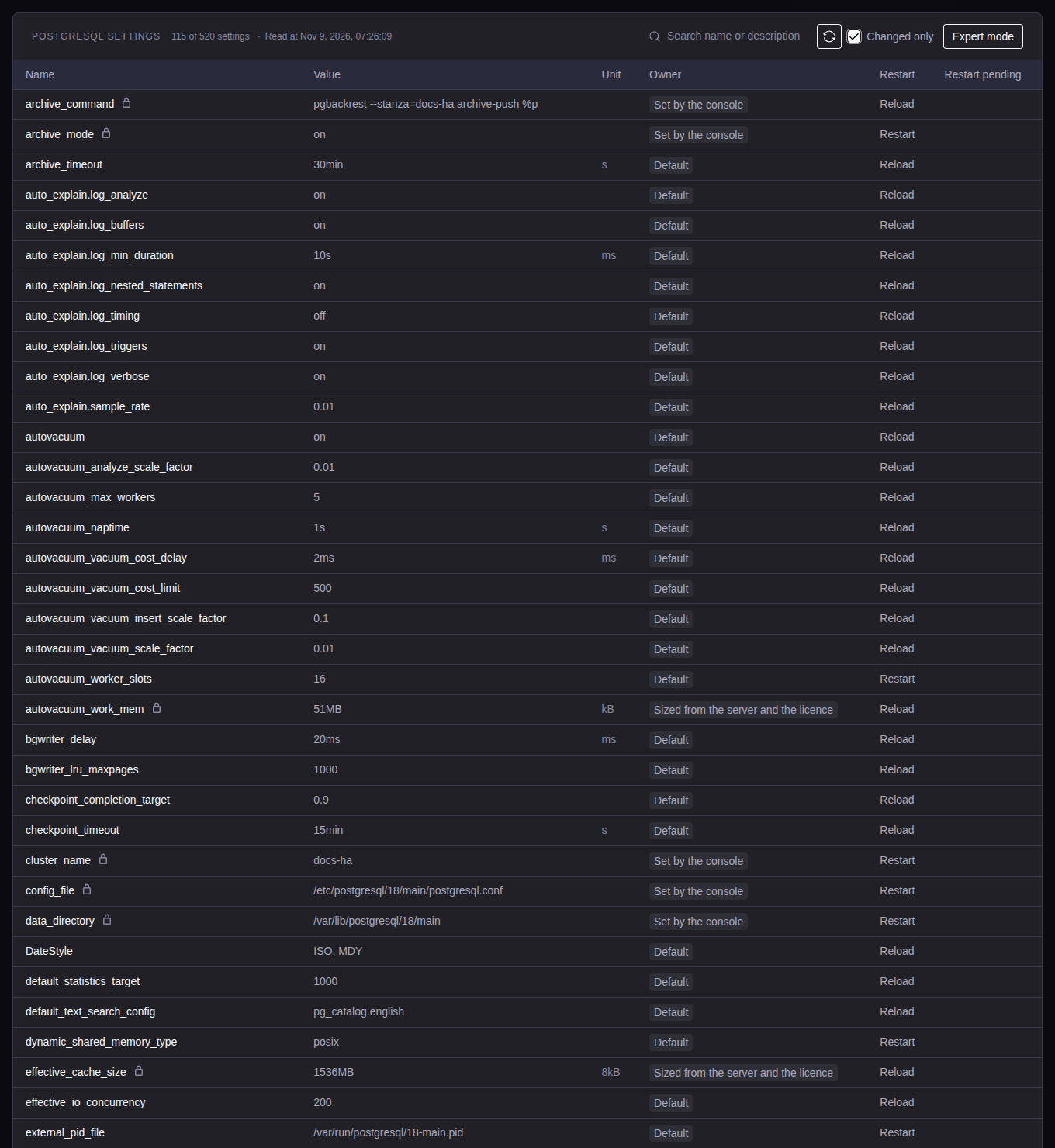
| PostgreSQL settings | Each row of pg_settings of the leader, and the HBA rules. |
| TimescaleDB settings | The timescaledb.* settings and the worker settings. |
| PgBouncer settings | PgBouncer on each server. |
| HAProxy settings | High-Availability only. |
| Config files | The config files of each server, with their history. |
Changed only shows only the values that are not the PostgreSQL default. Only an admin can change settings. See Settings.
Lifecycle
| Status | Meaning |
|---|---|
| Pending | Created or removed, not deployed. |
| Deploying | A deploy is running. |
| Running | The service is deployed. |
| Changing VIP | Change VIP is running. |
| Restarting | A restart is running. |
| Upgrading | A service upgrade is running. |
| Applying settings | A settings change is running. |
| Applying backup config, Applying exporters config, Applying license limits | The console is writing that configuration to the servers. |
| Removing, Removed | Remove from servers is running, or is done. |
| Failed | The last operation failed. |
In Database service admin → Management:
- Deploy: installs and configures the service on its servers again.
- Remove from servers: stops the service and deletes its PostgreSQL data on the servers. The VIP leaves the servers. The console removes the software and OS settings of the service (see Server cleanup). The backups and the settings stay. A DCS cluster and a backup server stay. You can deploy the service again.
- Delete from console: deletes the service from the console. Available only when the status is Pending, Removed or Failed. It does not clean the servers: remove the service first.
If a removal step fails, or a server does not answer, the server shows
Needs cleanup. The operation log names what stayed
(TSE removal: could not remove). Use Retry cleanup on the server before
you deploy on it again.
When a deploy fails, the Overview shows The last deployment failed. Select View operation to read the log. Correct the cause, then select Deploy database service.
Prepare tables for LiveSync
The target tables must exist before the initial copy. Keep Create missing source tables on target on (see Create a session). The target credentials must permit schema and table creation.
- If the source runs a newer PostgreSQL major than the target, turn the option off and create the tables yourself.
- For an existing sync from a managed source, open Edit, turn on the option, and save. Then retry the failed copies.
- You cannot edit a sync from an external source. Create its new target tables yourself.