Connect
Find the connection string, host and port of a database service, in JDBC, URI or psql format, and the other endpoints of an HA service.
On the Overview tab, select Connection info in the Topology header. The panel shows the connection strings. Select JDBC (default), URI, or psql to change the format.
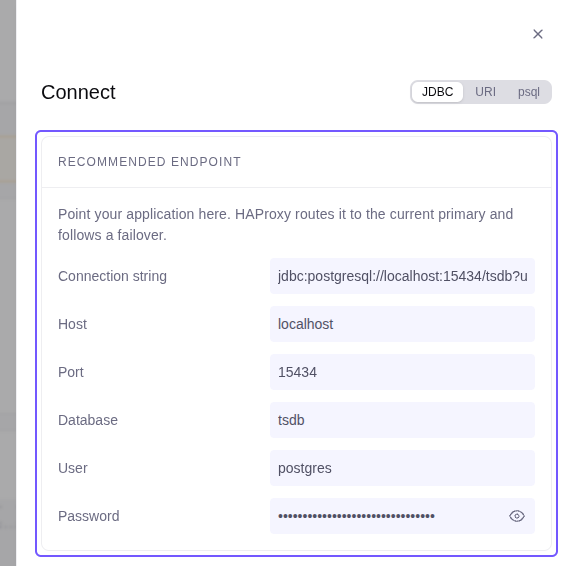
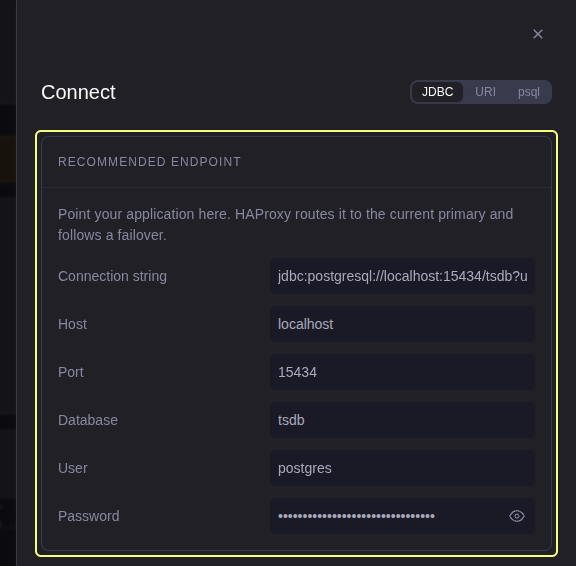
The user is postgres. Below the admin role, the connection strings do
not show the password.
Endpoints
| Endpoint | Standard | High-Availability |
|---|---|---|
| Recommended endpoint (use it for applications) | PgBouncer :6432 |
HAProxy :5000, pooled through PgBouncer on the current primary |
| Primary, not pooled | PostgreSQL :5432 |
HAProxy :6000 |
| Primary, direct (Other endpoints) | PostgreSQL :5432, PgBouncer :6432 |
PostgreSQL :5432, PgBouncer :6432 on the current primary |
On a High-Availability service:
- With a VIP, the
:5000and:6000endpoints are on the VIP only. - Without a VIP, every node has
:5000and:6000, and the connection string names all nodes. - The connection string adds
target_session_attrs=read-write, so the client connects to the primary. - Connection info does not show an endpoint of a replica. A replica is read-only, and it can be behind the primary.
In a demo, the recommended endpoint goes through the computer that runs the demo. See Demo mode.
See the connection path for the full port map.