Create a session
Prepare the source and target databases, managed or external, and create a LiveSync session in the console, with one or more sessions per source.
Before you start
- You need the admin role.
- With licensing enforced, a managed target needs an active
license with
LIVESYNC. An external target must be a Tiger Cloud service, and the console needs an active license. - The source runs PostgreSQL 17 or newer.
- Each managed service of the session is running.
- The source has
wal_levelset tological. For a managed source, the create form shows Set wal_level=logical & restart source. - Each PostgreSQL server of the service that runs LiveSync (see Supported connections) can reach both databases. For an external database, check DNS, firewall, access rules, credentials and TLS from these servers.
- The target has the extensions that the tables need.
Use a managed source
Open the form
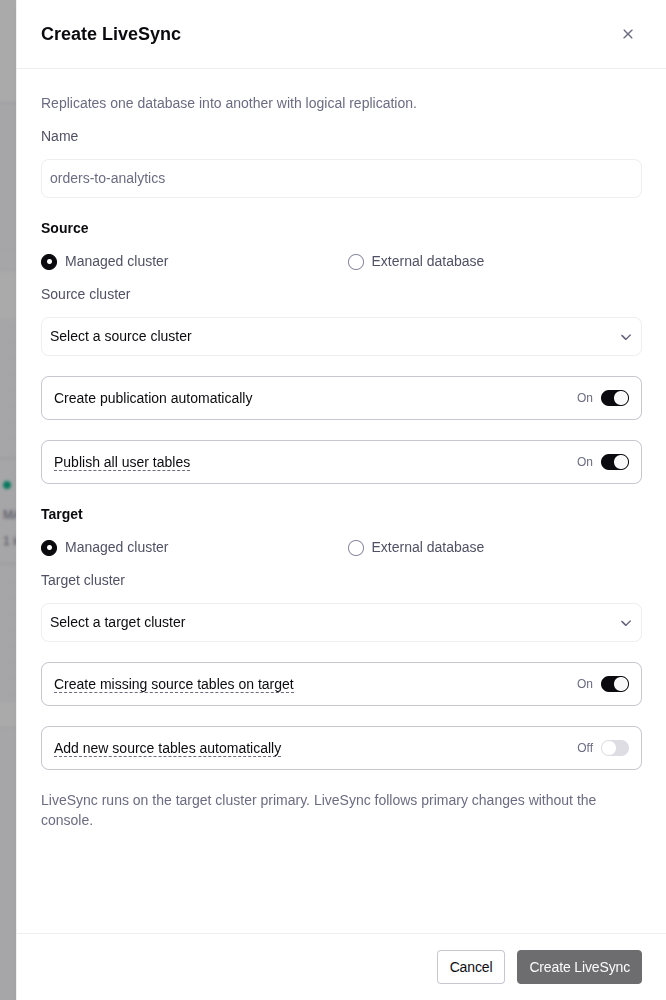
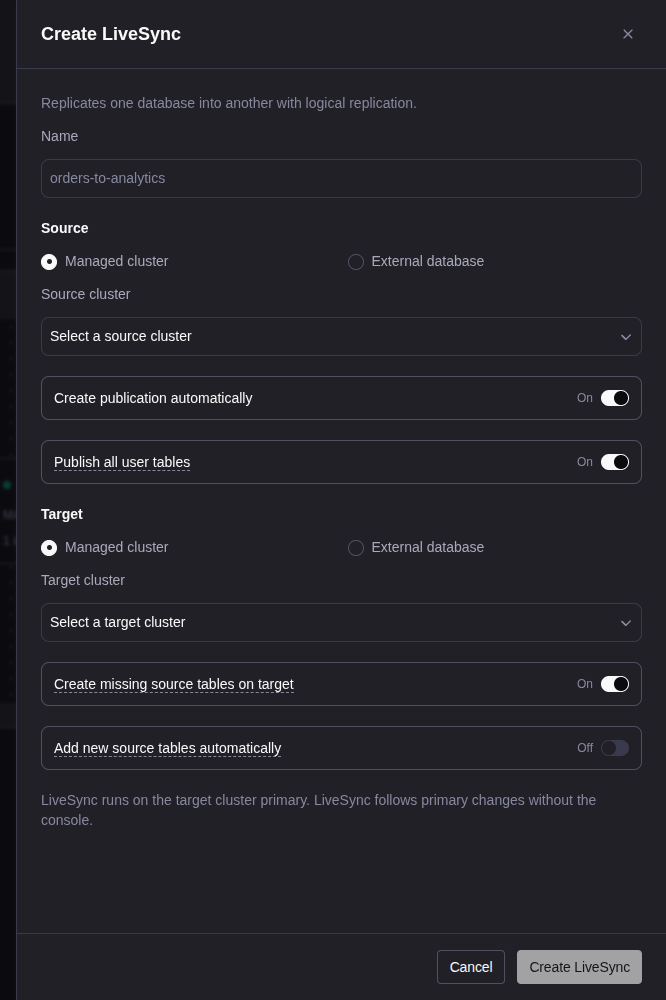
Open LiveSync and select Create LiveSync.
Name the session
Enter a Name, for example orders_to_analytics. See
Multiple sessions for name limits.
Choose the source
Under Source, select Managed cluster and the Source cluster.
Fix the version and wal_level checks that the form shows.
Choose the tables
Keep Create publication automatically on. Keep Publish all user tables on, or turn it off and select the tables.
Choose the target
Under Target, select a Managed cluster, or select External database and enter the Target connection string.
Set the table options
Create missing source tables on target (on by default) creates the missing tables and hypertables. It does not change existing tables.
Add new source tables automatically (off by default) adds tables that you create on the source later. Each addition restarts the session and stops replication for a short time.
Create the session
Select Create LiveSync. Open the session and verify replication.
Use an existing publication
Turn off Create publication automatically and enter the Publication name. You then manage the tables of the publication on the source. The console cannot edit its tables or add new tables automatically.
Use an external source
An external source needs a managed target.
Set the WAL level
On the source, set wal_level=logical.
Create a publication
On the source, create a publication with the tables. For example:
CREATE PUBLICATION orders_publication FOR TABLE public.orders;Prepare the target tables
Prepare the target tables, or keep Create missing source tables on target on. If the source runs a newer PostgreSQL major than the target, table creation fails. Then create the tables on the target yourself.
Get the roles
Get a source role that can read the tables and use logical replication. Get a target role that can write the tables. A successful connection check does not prove these permissions.
Fill in the form
In the form, under Source, select External database. Enter the Source connection string and the Publication name. Select the managed target.
A connection string is a single-line PostgreSQL URL. URL-encode special characters in the password:
postgresql://sync_user:REPLACE_WITH_PASSWORD@source.example.com:5432/appdb?sslmode=requireThe console tests the connection from the primary that runs LiveSync.
Use an external target
Select a managed source. Under Target, select External database and
enter the Target connection string. For a Tiger Cloud target (a host in
.tsdb.cloud.timescale.com), the console always sets sslmode=verify-full.
Multiple sessions
- Give each session a short, distinct name. The console derives the
subscription name from it and cuts it to 53 characters. The source slot is
live_sync_<subscription>. - Sessions on the same source cannot share a slot name, also when their targets differ. Names that differ only in punctuation can collide.
- For the same source and target, the table sets cannot overlap. Use separate publications and keep automatic table addition off. With an external source, only one session per source and target is allowed.
- The console detects a duplicate external database by its connection string only. Two different URLs for the same database are not detected.
- To sync several sources into one target, use distinct schema-qualified
names on the sources, for example
store_a.ordersandstore_b.orders.