Restore
Restore a database service in place, or restore a backup into a new service, to the latest backup or to a point in time.
Only an admin can restore or create a service.
Restore a service in place
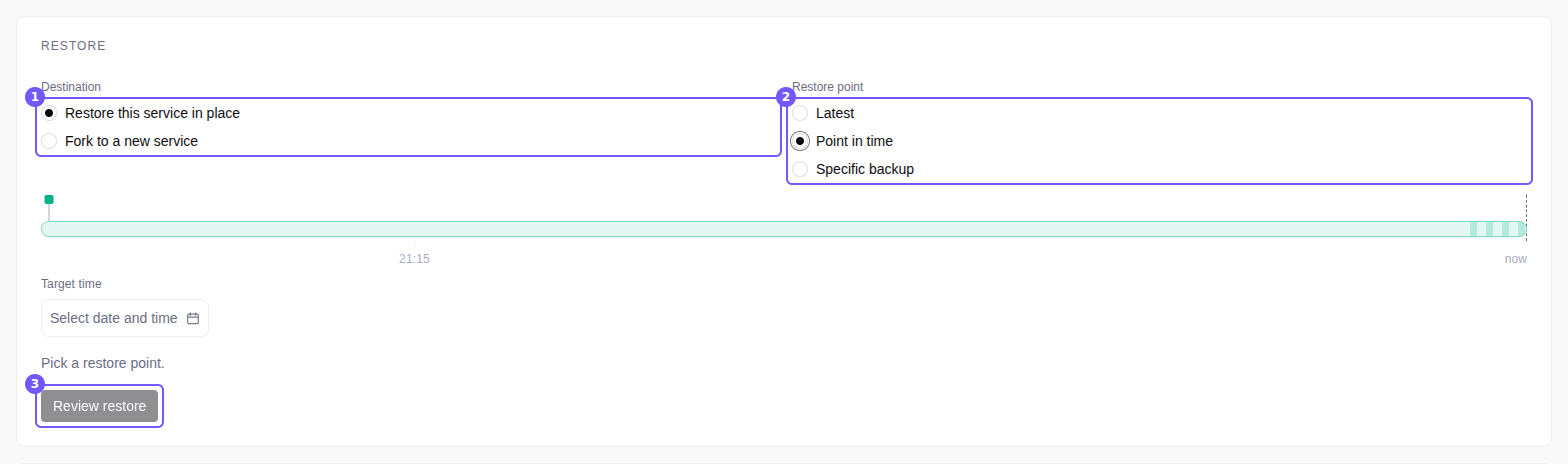
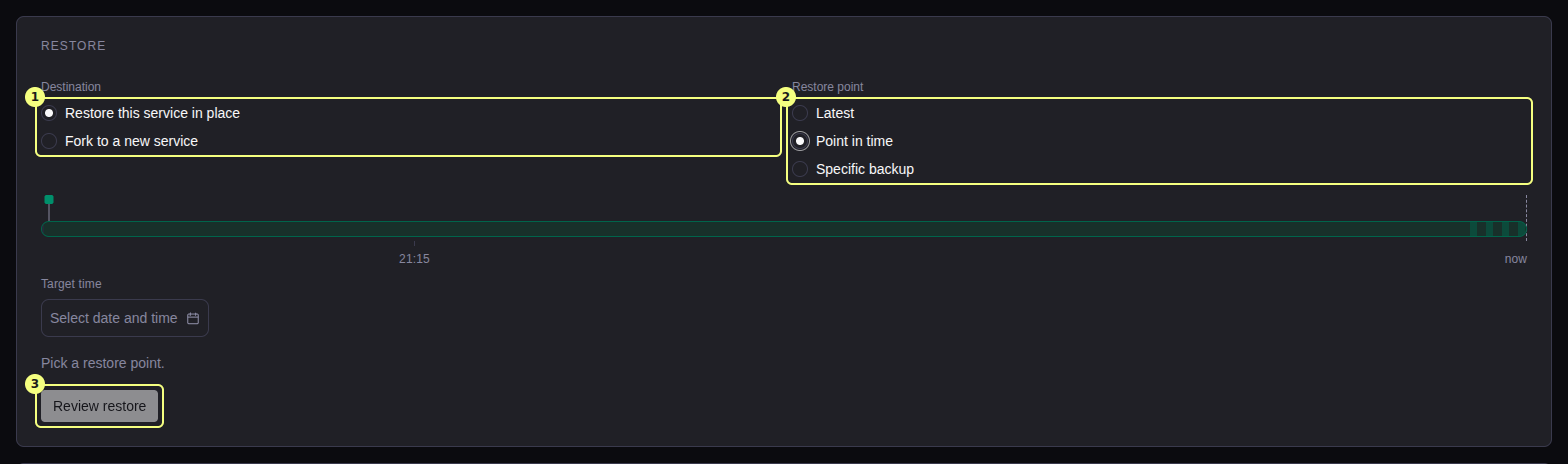
Select the destination
On the Backups tab, under Destination, select Restore this service in place.
Select the restore point
- Latest: the newest backup and all archived WAL.
- Point in time: a Target time inside the backup coverage.
- Specific backup: that backup only, with no later WAL.
With two copies, the summary shows the copy it restores from (From copy).
Confirm
Select Review restore, then Restore.
Restore into a new service
The source service does not change. The Restore from backup page creates the new service.
| Type | Use | Start it from |
|---|---|---|
| Fork | A copy of a running service, with its own backup history | The Backups tab: Fork to a new service, then Continue to fork setup. Or Restore to a new database service on a backup in Backup history. |
| Recover | A new service from the backups of a deleted service, on a backup server. It continues the old backup history. | The page of the backup server: Restore to a new database service. Delete any service that still uses the backups first. |
- A backup in a local copy can go only to a single-node service.
- An HA fork needs the backup server of the source.
- The new service gets every database of the source. Keep the Postgres database name that the page fills in. When it is empty, enter the name of a database in the backups. Another name gives an empty database.
- Set the Storage locations: the Data directory, and on a single-node service the Backup directory (database server). See Create a service.
- On a licensed install, the new service needs a license that covers its servers. See Licensing.