Time sync
How the servers take their time from the console host, the Time sync page, and the preflight rows of the clock check.
The servers take their time from the console over the mesh. Set up time sync only on the console host.
- The console host: keep chrony or ntpd on, against the public pools or (on an airgapped site) your own NTP servers. The installer warns when the host clock is not synchronized. A clock that only a hypervisor keeps shows as not synchronized.
- The servers: each deploy installs chrony on the database, DCS and backup servers, and replaces their NTP sources. chrony prefers the console. The NTP servers from DHCP are the fallback.
When the console clock is not synchronized, the servers do not use it. See Console clock.
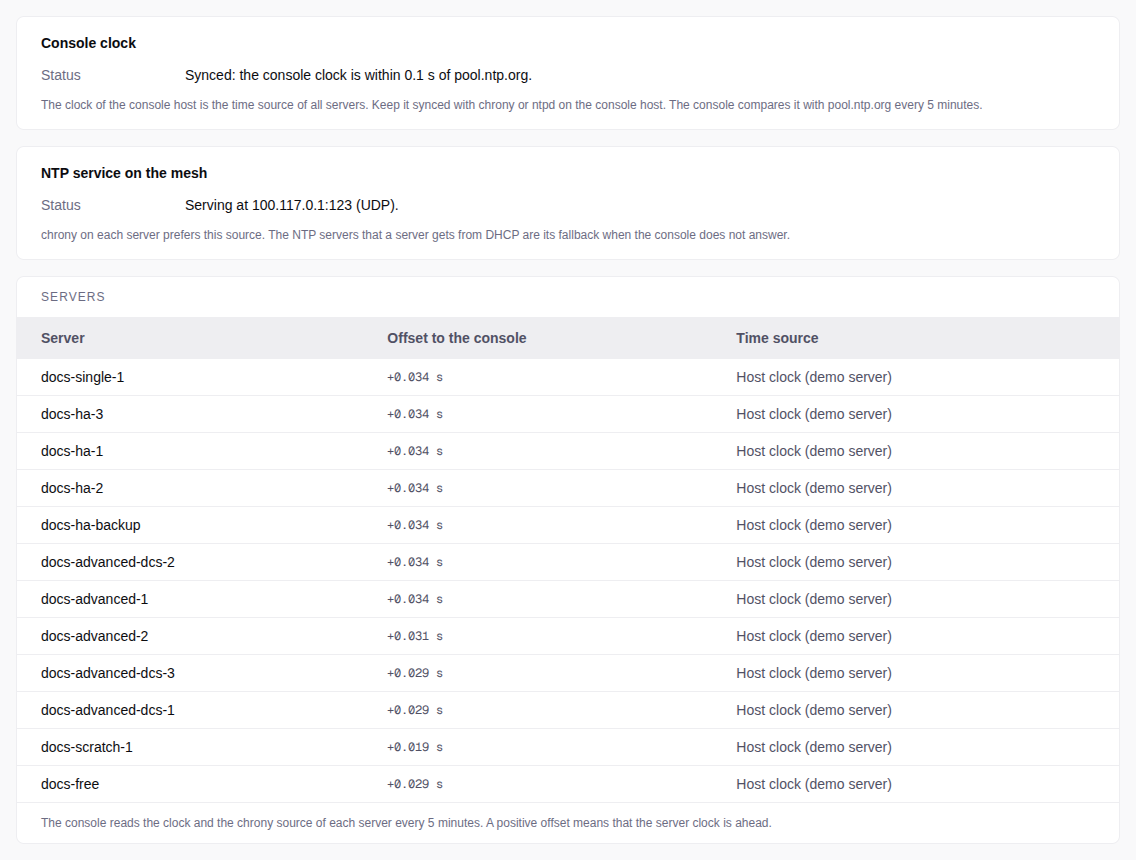
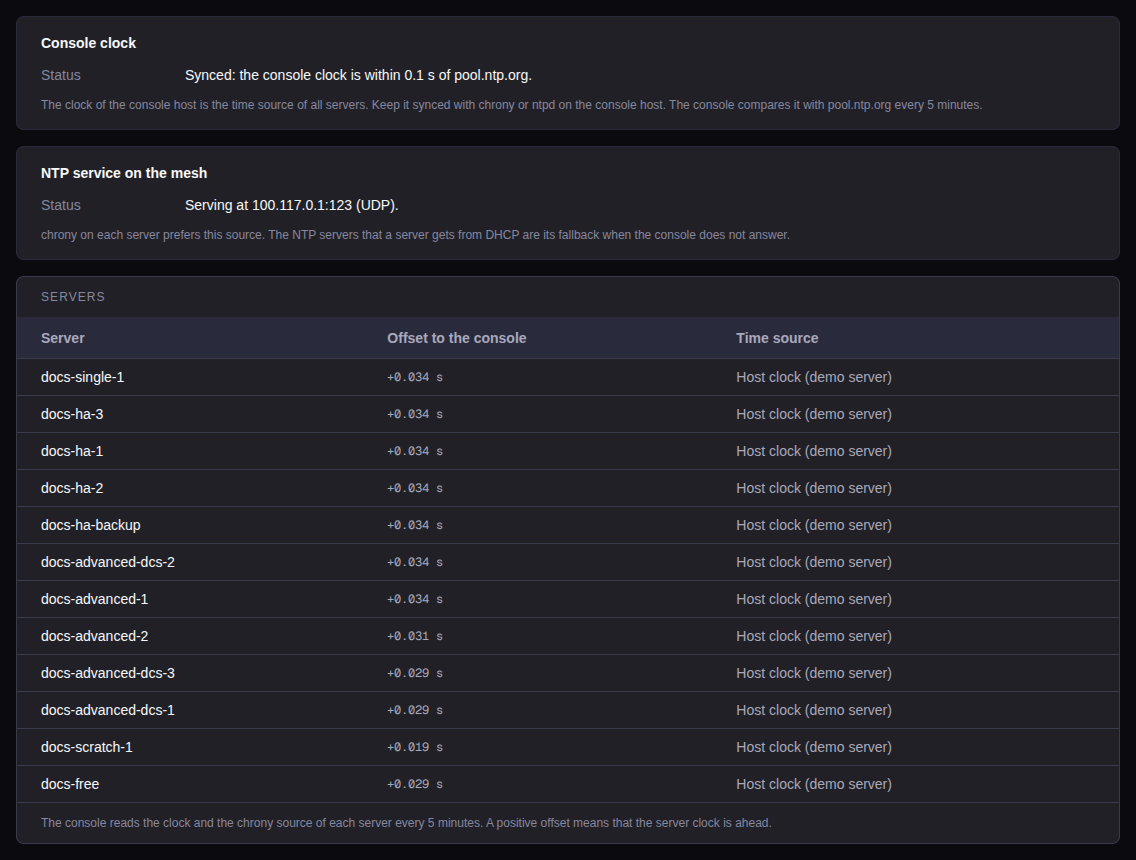
Administration → Time sync shows the console clock, the NTP address of the console on the mesh, and the offset and time source of each server. The console reads the servers every 5 minutes. A demo server shows Host clock.
These preflight rows warn, and never stop a deploy:
| Row | Warns when |
|---|---|
time_sync |
The clock of the server is not synced. |
console_ntp |
The server gets no answer from the NTP service of the console, or the console clock is not synchronized. |
clock |
The clock of the server and the clock of the console differ by more than 30 seconds. |