Server packages
The server packages of the console: load, check and remove them, and what happens with server packages of an earlier release.
A deployment installs PostgreSQL, TimescaleDB and the other database software only from the server packages that the console holds. The servers do not use the OS, PGDG or TimescaleDB repositories.
| File | Contents |
|---|---|
timescale-enterprise-<release>-server-packages-ubuntu-26.04-<arch>.tar.zst |
One signed package repository for one OS version and architecture |
timescale-enterprise-<release>-server-components-<arch>.tar.zst |
The mesh agent, etcd, confd, the exporters, LiveSync and the licence module. The console has the files of its own release. |
<arch> is amd64 for x86_64 and arm64 for aarch64.
Automatic OS security updates stay on. They do not restart the database services. The services use the updated libraries after the next rolling restart.
Load server packages
Open Administration → Server packages. A file that an enrolled server
needs shows Needed by. Click Download, or Download the needed
server packages (operator or admin). The console downloads from Docker Hub
(docker.io/timescale/enterprise-packs).
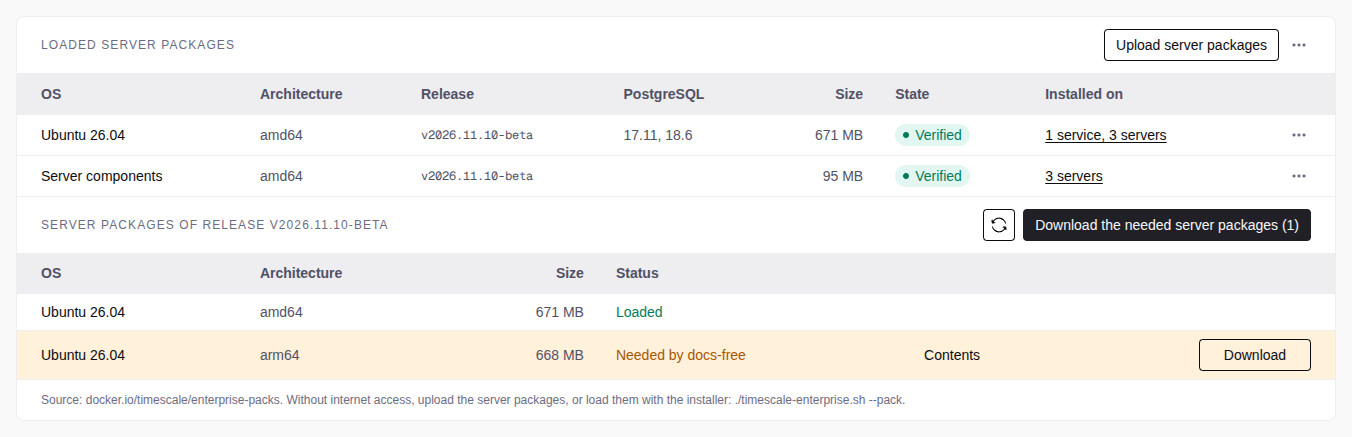
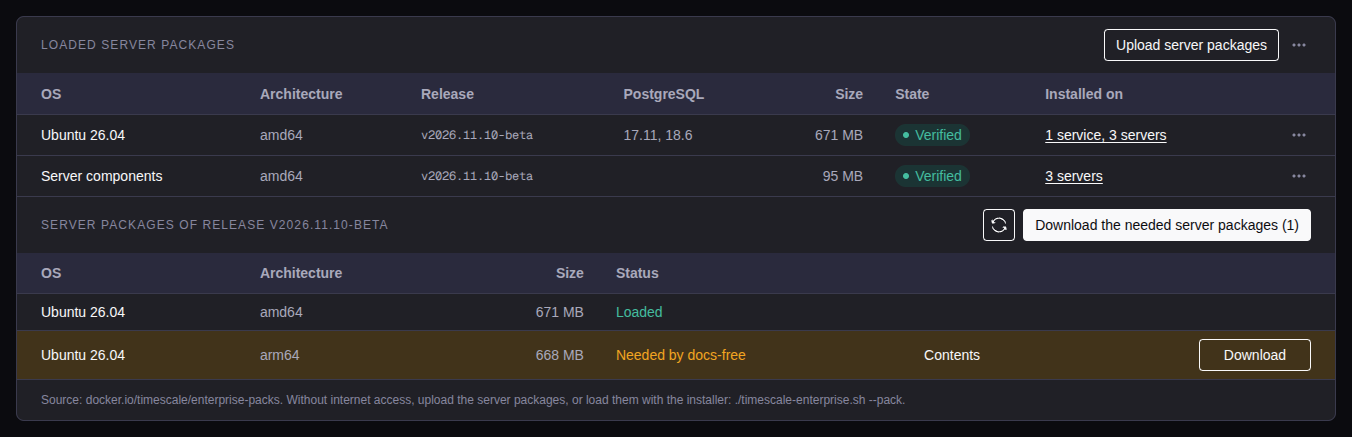
Without internet access on the console host, use Upload server packages,
the offline/airgapped package, or
./timescale-enterprise.sh --pack <file>... (see
Load server packages).
When a server needs a file that the console does not hold, the create wizard and the deploy dialogs show it with Download. The deploy starts only when the console holds the file.
Loaded server packages
Loaded server packages lists the files that the console holds:
- Installed on: the services and servers that use the file. Click it to see the names.
- Rejected: the file failed the signature or checksum check. The console does not use it. The tooltip gives the reason. To check a file yourself, see Verify the server packages.
- Older release: the file is of a release older than the console.
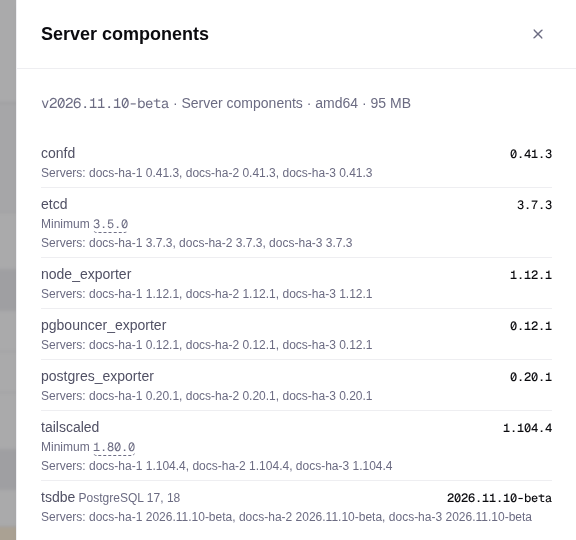
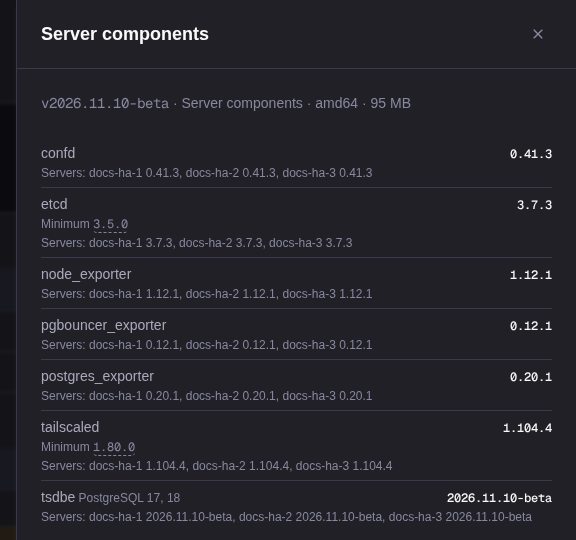
- Contents (file menu): the versions in the file. Changes from compares it with the next older loaded file.
The rules:
- Releases: the console uses the files of its own release and of earlier releases. It rejects files of a newer release.
- Pin: each service pins the release of its server packages. New and replaced PostgreSQL servers of the service install from that release.
- Upgrades: a redeploy does not upgrade installed packages. After a console upgrade, load the server packages of the new release. If the versions of a service do not change, the console moves its pin. Otherwise the Overview of the service shows Updates available. See Upgrade a service.
- Preflight: the
packagesrow shows the file that each server gets, or the file to load.
Server packages of an earlier release
After a console upgrade, a new server outside a pinned service gets the packages of the earlier release until you load the new files. Until then:
- Every console page shows a banner with Download for each file that a server needs. Dismiss (the X) hides it until the next console release.
- Administration → Server packages lists the servers on older files,
with Download
<tag>or Upload<tag>. - The preflight
packagesrow warns.


Remove server packages
The console does not delete server packages itself. An admin removes them on Administration → Server packages:
- Remove (file menu) deletes one file. When a server or a service still needs the file, the item is off, and its tooltip names them.
- Remove unused server packages (menu next to Upload server packages) removes the rejected files and each file that nothing needs. Of two files for the same servers, it keeps the newer one.
The installed packages stay on the servers.