Remote assist
Let Tiger Data support use your console for a set time: read only by default, never your credentials, and each request in the audit log.
Remote assist lets Tiger Data support use your console for a time that you choose. A support engineer sees the console as you see it, so you do not have to send a support bundle for each question.
How it works
When you turn on remote assist, the console opens an outbound connection to Tiger Data. You do not open a port. The console uses the same proxy settings as telemetry.
- Support reaches only the console, never your database servers.
- Each engineer logs in to Tiger Data with two-factor authentication and works on a support
case. The console sees only an engineer ID, for example
TD-4821, and the case ID.
Allow this in your firewall: outbound HTTPS and WebSocket on TCP 443 from the console host
to tsdbe.tigerdata.com. Remote assist needs no other connection. See also
Outbound connections.
Turn on remote assist
An admin, or the admin token login, turns on remote assist in Administration → Remote assist:
- Select a duration: 4, 8, 24 or 48 hours. The default is 24 hours.
- Click Turn on.
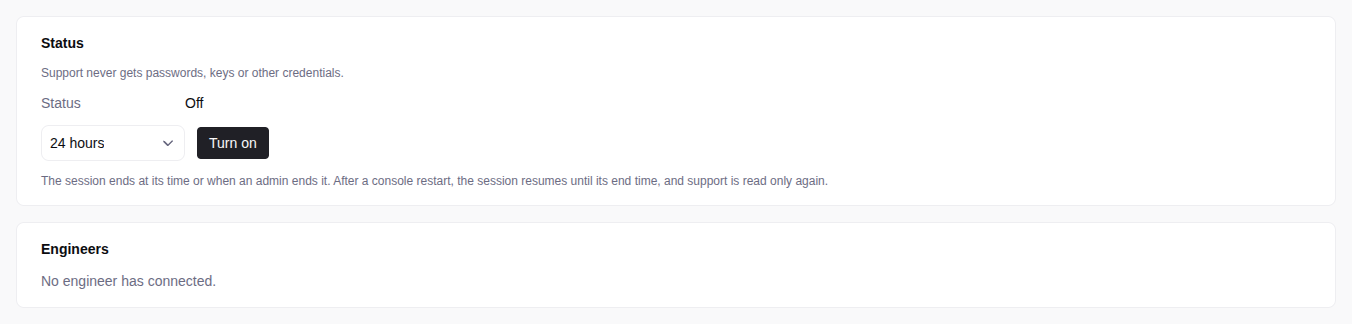
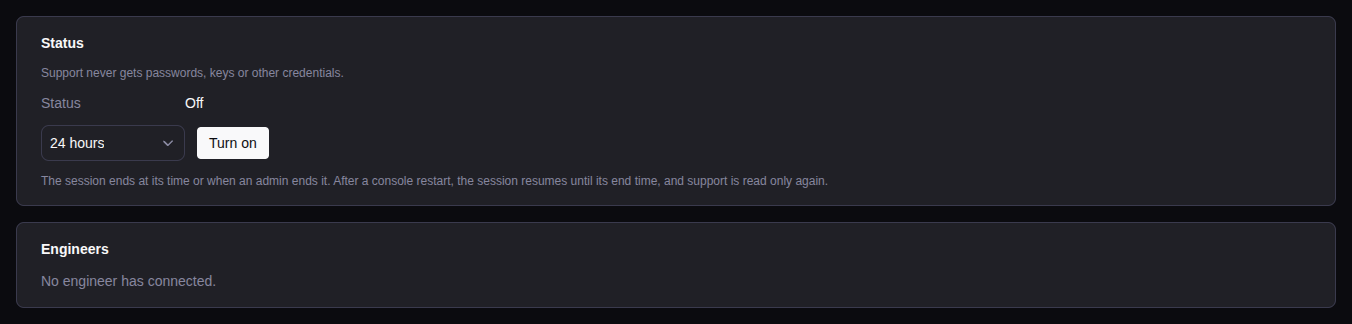
You approve the session, not each engineer. Each support engineer with a case can join.
| Status | Meaning |
|---|---|
| Off | Remote assist is off. |
| Not available | The console cannot use remote assist. The page gives the reason. |
| Connecting to Tiger Data | Remote assist is on, and the console connects to Tiger Data, for example after a restart. |
| On (no one connected) | No engineer sent a request in the last 2 minutes. |
| Session active | An engineer sent a request in the last 2 minutes. |
The page also shows the start and the end of the session, each engineer and case that connected, and the requests of support.
What support can do
While remote assist is on, the footer of each page shows “Remote support active” and the time left. For an admin, the footer also has End early.
- Read only by default. Support can read each page, the metrics, the logs, the support bundles and the audit log. Support cannot make changes or run SQL queries.
- Read and write on request. When a fix needs a change, the engineer turns off the Read-only switch in the footer. Support then has the rights of an admin, until the engineer turns the switch on again or the session ends.
A change that support makes, for example a new user, stays after the session.
What support can never do
Support uses remote assist only to support you, and some actions stay with your admins. Support never sees your credentials.
Audit
The audit log records each request of support, reads included, with the engineer ID and the case ID. For example, the actor is “Tiger Data support TD-4821 (case 00123456)”. It also records each switch between read only and read and write, the start and the end of each session, and each loss of the connection to Tiger Data for more than 60 seconds.
End remote assist
Remote assist ends at the end of the session, or when an admin clicks End now in Administration → Remote assist. If the console cannot record the end, the page shows an error and the console tries again. Until then, a console restart can resume the session.
When Tiger Data support ends the session, support loses access at once, and the console records the end within a minute with the reason “ended by Tiger Data support”.
A console restart, for example for an upgrade, does not end the session. The console connects again until the same end time, and support is read only again. If the console cannot resume the session, for example because Tiger Data refuses the license, the session ends. An admin must then turn on remote assist again.
When remote assist is not available
Remote assist is not available:
- with an expired trial license. An expired paid license can still use remote assist;
- when the console cannot reach
tsdbe.tigerdata.comon TCP443.
The page gives the reason.
An air-gapped install can use remote assist when the console can reach Tiger Data. If the page says that the license is not activated on this console, do step 1 of the air-gapped exchange first.